

Welcome Avatar! Today we are going to build an entire agency tool stack for exactly zero dollars per month. A real, working stack: CRM, email marketing, design, analytics, SEO, social scheduling, project management, and AI, all on free tiers that are good enough to run paying client work on day one.

Is it the ideal stack? No. Of course paying for tools (especially SEO tools), is a must if you want to get the insights needed for a successful SEO strategy. But for running your agency and other day to day stuff, most of that could be done through free tools if you are just starting out and need to keep things über lean.
As a general rule: don’t be a cheapskate. I know that sounds weird coming from a Dutch rodent from a culture where people are capable of sending you a Tikkie on WhatsApp to pay €3 after they invited you to have dinner at their place, but I still prefer to pay for things without splitting the bill. Paying for software usually saves just as much time vs trying to juggle a bunch of free tools that will save you a minimal amount.
The exercise below is more of a game to see if it would technically be possible to run everything at close to zero US tokens. This post is free for everyone, no paywall. If you know someone trying to start an agency while their bank account looks like the Argentine peso in an election year, send them this link.
In this post we will cover:
The rules of running a $0 stack
The stack, category by category
The 60-minute setup order
When a free tool starts costing you money
The $0 Agency Toolkit Cheat Sheet (free download)
1. The rules of running a $0 stack
First, some context on why this matters. The average small agency burns somewhere between $400 and $800 per month on software before a single client pays them. As you grow, this is closer to 1.5-2k+/mo.
Ahrefs and Semrush alone are $99-$200 each. Hotjar is $39. Mailchimp creeps past $60 the moment your list grows, and Hubspot will quickly become a $800/mo line item as you start to grow into a marketing automation machine. A social scheduler, a form builder, a project management seat or two, a few Google Workspaces, a Calendly subscription, and suddenly you are paying a junior employee’s salary in Argentina just to have a few icons in your dock.
When you already have 15 clients on retainer, fine, that spend is a rounding error. When you are at zero or three clients, it is the difference between surviving the slow months and rage-quitting back to a W2.
The rule: software should be paid for out of revenue it helped generate, never out of hope.
Three things to keep in mind before we go shopping:
Free tiers are customer acquisition, not charity. HubSpot gives away a CRM because a percentage of users grow into $800/mo accounts. That means the free tier has to be actually good, or the funnel does not work. You are getting the bait, and the bait is genuinely good. Eat the bait, swim away, come back when you are a whale.
The stack below is what this rodent would set up today, from scratch. At the agency we pay for several of the premium versions now, because the math changed (more on that math in section 4). The free versions are how several of these tools earned their spot in the first place.
Client perception matters more than your logo wall. No client has ever asked which form builder you use. They ask about results. A lean stack that you actually operate beats an enterprise stack you half-understand or not even use to its fullest extent.
2. The stack, category by category
CRM and sales pipeline: HubSpot Free
The free HubSpot CRM gives you contact management for up to 1,000 contacts, deal pipelines, email tracking, meeting links, and a shared inbox. For a young agency that is more CRM than you will use in year one. One thing you can’t do is create custom properties or have more than one pipeline, but as you are starting out, you really don’t need that yet.
The catch: marketing emails are capped at 2,000 sends per month and everything has HubSpot branding on it. Ignore the email side entirely, that is what the next tool is for. Use HubSpot purely as your pipeline: every prospect, every deal stage, every follow-up date lives here. The agencies that die in year one usually die from leads rotting in a notes app, not from a lack of leads.
Autist note: if even HubSpot feels heavy, a Notion database or a Google Sheet with columns for name, stage, value, and next action will do the same job at three clients. The tool is not the system. The habit of updating it is the system. Tracking deals and seeing the deal pipeline and $$ tied up in each stage makes it real and shows you exactly which leads to chase first.
Email marketing: Brevo Free / FluentCRM
Brevo’s free plan is the most generous in the industry right now: unlimited contacts and 300 emails per day. Almost every competitor charges you by list size, which punishes you for growing. Brevo charges by volume sent, which means a 5,000-contact list costs you nothing as long as you stay under the daily cap.
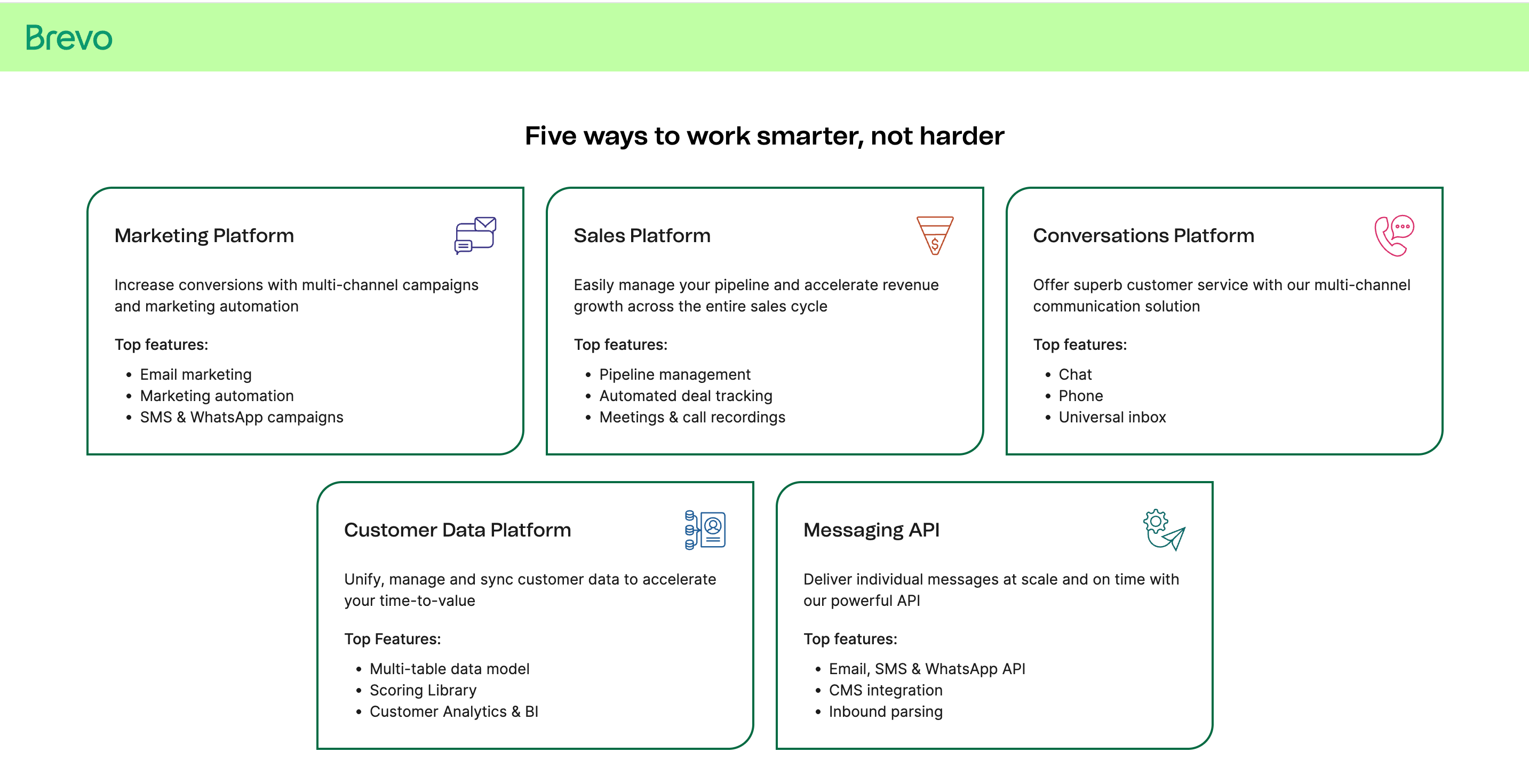
300 per day sounds small until you do the math: a weekly newsletter to 2,000 contacts works fine if you spread sends across the week, and client drip campaigns rarely come close to the cap. Automation workflows are included on the free tier, which is rare.
This is also the tool you resell. A “we will set up your email marketing” package built on a client’s own free Brevo account is nearly pure margin.
Another option is the FluentCRM plugin if you work with Wordpress. The free version covers a lot for inbound leads, and you can connect their free SMTP plugin to a Siteground or Google Workspace email account to start sending. This requires a bit more technical knowledge, but is also very easy to set up to start sending (especially if you want to send blog posts by mail directly on publish, a bit like publishing on Substack).
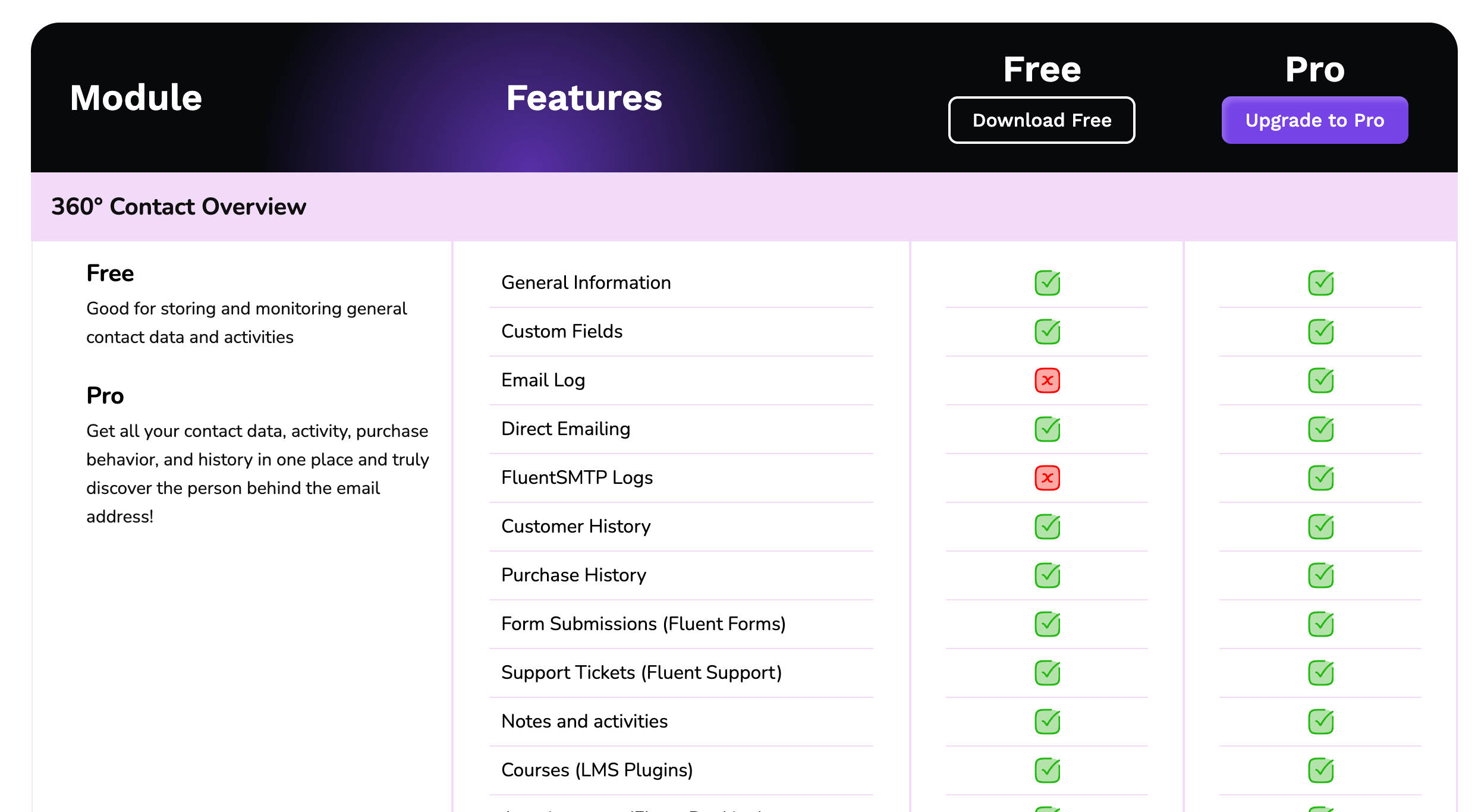
Downside here is clear: instead of using 1 tool like Hubspot, you are now using 2. Make sure they are connected (through Zapier or otherwise, ideally avoid manual work like importing / exporting weekly, especially if your list grows fast).
Design: Canva Free
Canva is so cheap that it literally does not make sense to only use the free tier. But if you really have to, the free tier covers social graphics, ad creatives, simple logos, presentations, and one-click resizing across formats. The brand kit and background remover sit behind the Pro paywall, but for the first year you might not miss them.
Those little mara’s you see on the hero images on this Substack and my main Substack? All Canva (it also shows that I am not a graphic designer, but I am not trying to be and it works for what I need).

Pair it with Figma’s free plan for landing page wireframes when you need to hand something structured to a developer. Between those two, a non-designer can ship work that clients happily pay for. The previous WiFi Agency piece on landing pages has the full wireframe logic: [CROSS-LINK: Landing Page Conversion Masterclass]
Analytics and tracking: GA4 + Tag Manager + Looker Studio + Microsoft Clarity
All four are free, full stop, no tiers. This category is where the $0 stack is at its strongest, because Google gives away tools that companies used to pay five figures for, and Microsoft Clarity gives you heatmaps and session recordings without any caps that matter. Hotjar charges $39/mo for less.

Set up, in order: Google Analytics 4 on every client site, Google Tag Manager to manage the tags without touching code, Clarity for heatmaps and rage-click detection, Looker Studio to turn all of it into client-facing dashboards that update themselves.
That last one is the money maker. A recurring report that builds itself is the backbone of every retainer. The automated reporting setup gets its own article in the archive:

Patagonian rodent note: Clarity is the most underused free tool in marketing. Watching ten session recordings of real users failing to find the contact button will improve a client site faster than any audit document. We have closed retainers by sending a prospect three Clarity recordings of their own checkout flow with the message “this is why your ads feel expensive.”
SEO: Search Console + Ahrefs Webmaster Tools + Keyword Planner + Google Business Profile
Google Search Console is non-negotiable and free. Ahrefs Webmaster Tools gives you the famous Ahrefs site audit and backlink data, free, for any site you can verify ownership of, which means every client site you manage.
Google Keyword Planner handles basic keyword research through any Google Ads account, no spend required. Bing Webmaster Tools takes ten minutes and covers the search engine that feeds ChatGPT’s web results, which matters more every quarter.
And Google Business Profile remains the single highest-ROI free asset in local marketing. If you serve local clients and their GBP is unmanaged, that is a service line sitting on the table.
You will eventually want paid Ahrefs or Semrush for competitor research. Eventually. Not at client number two, unless this is a mid-tier SEO client where 1 month pays for a yearly subscription + a bit more.
Social scheduling: Meta Business Suite + Buffer Free
Meta Business Suite schedules Facebook and Instagram natively, free, with no post limits. For everything else, Buffer’s free plan covers 3 channels with enough scheduled posts per channel to run a mini client cadence.
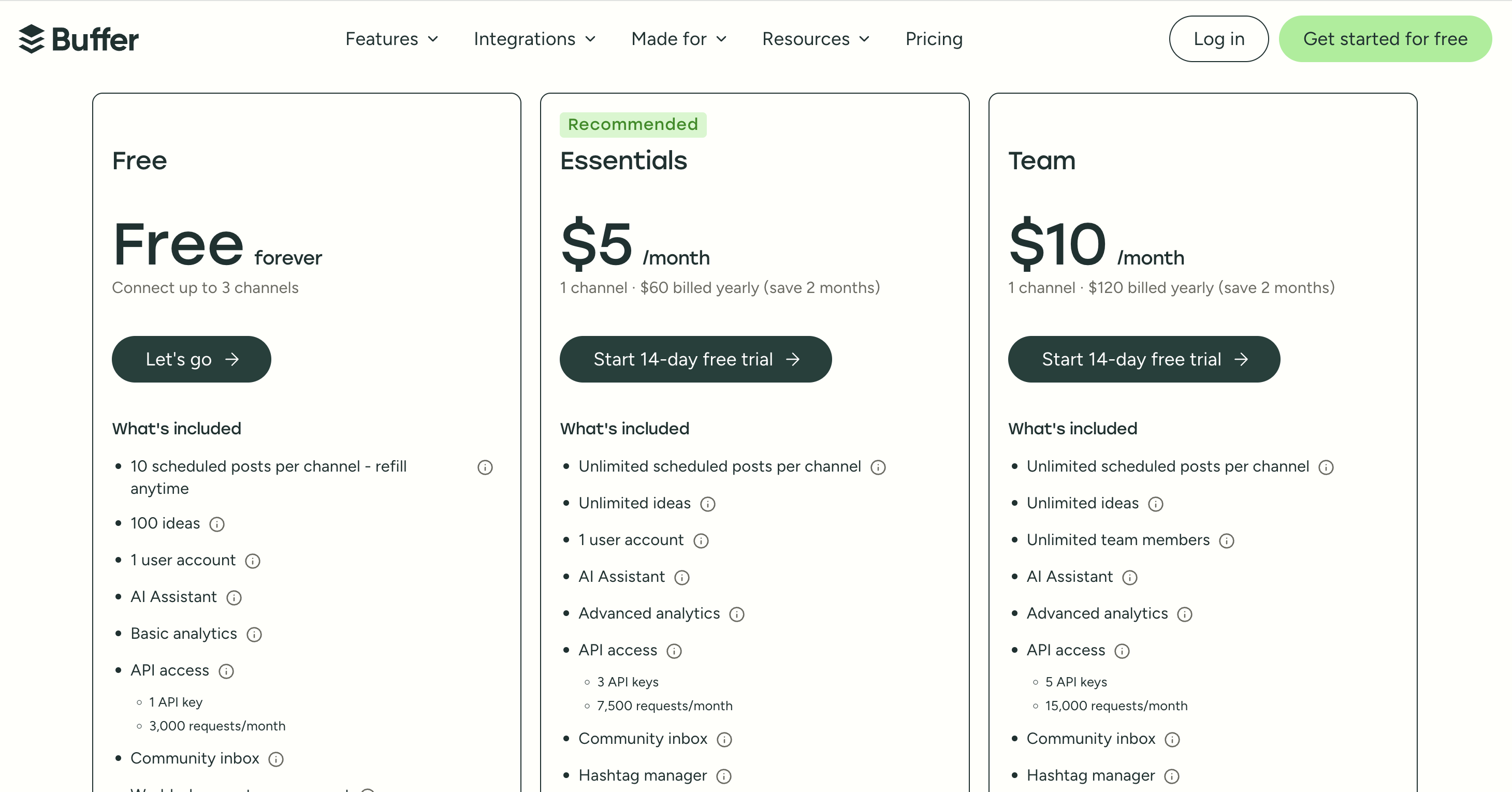
The honest take: most small clients need Meta plus maybe one other platform. Native schedulers plus free Buffer covers that completely.
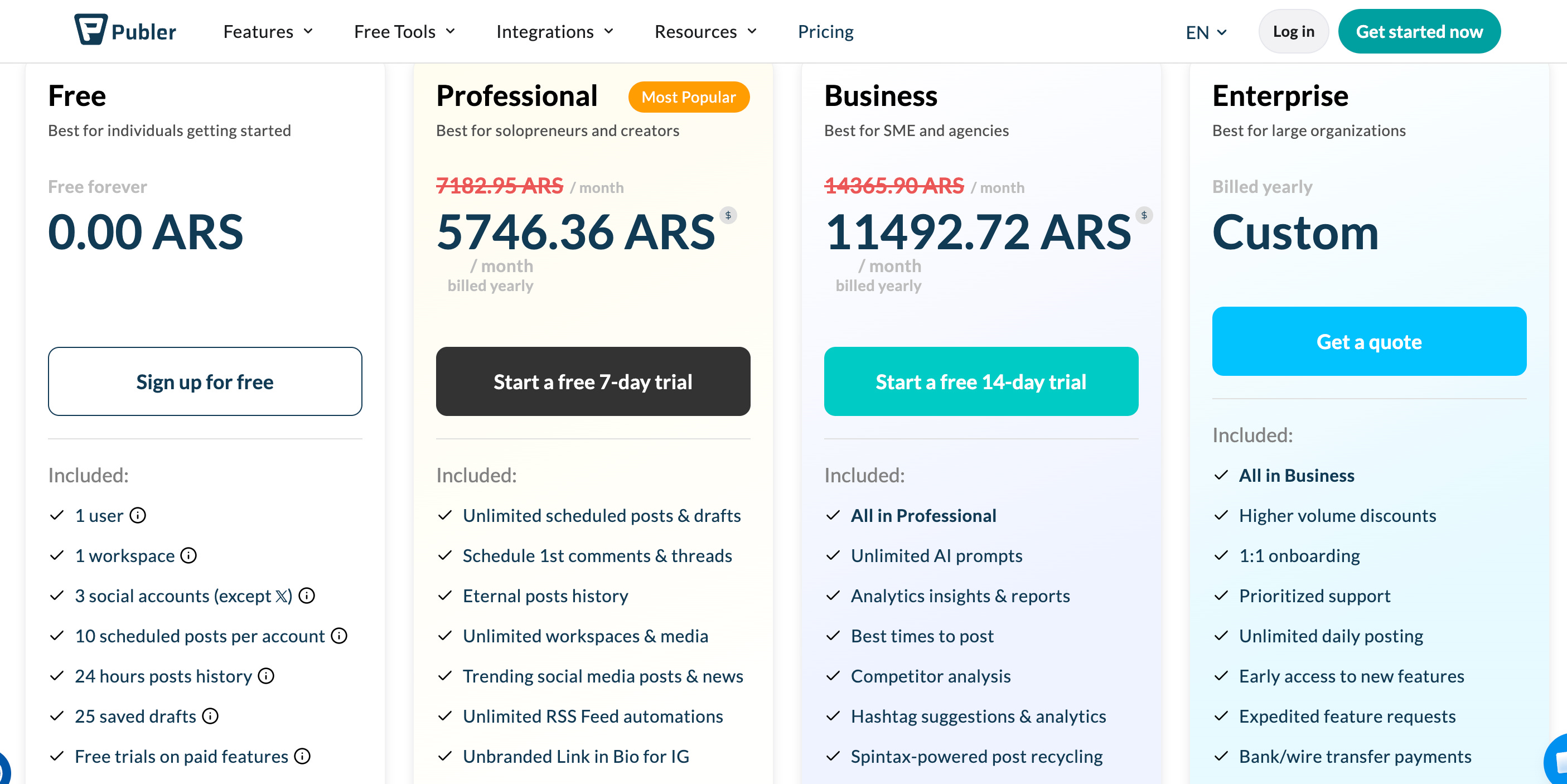
At our agency we either use Publer (also has a free version for up to 3 social media accounts), or Hubspot social if the client uses Hubspot. Once you’re working with multiple social media clients, having a higher paid plan is a must (saves enough time to completely justify the cost).
Project management and ops: ClickUp Free + Google Drive + Calendly Free + Tally
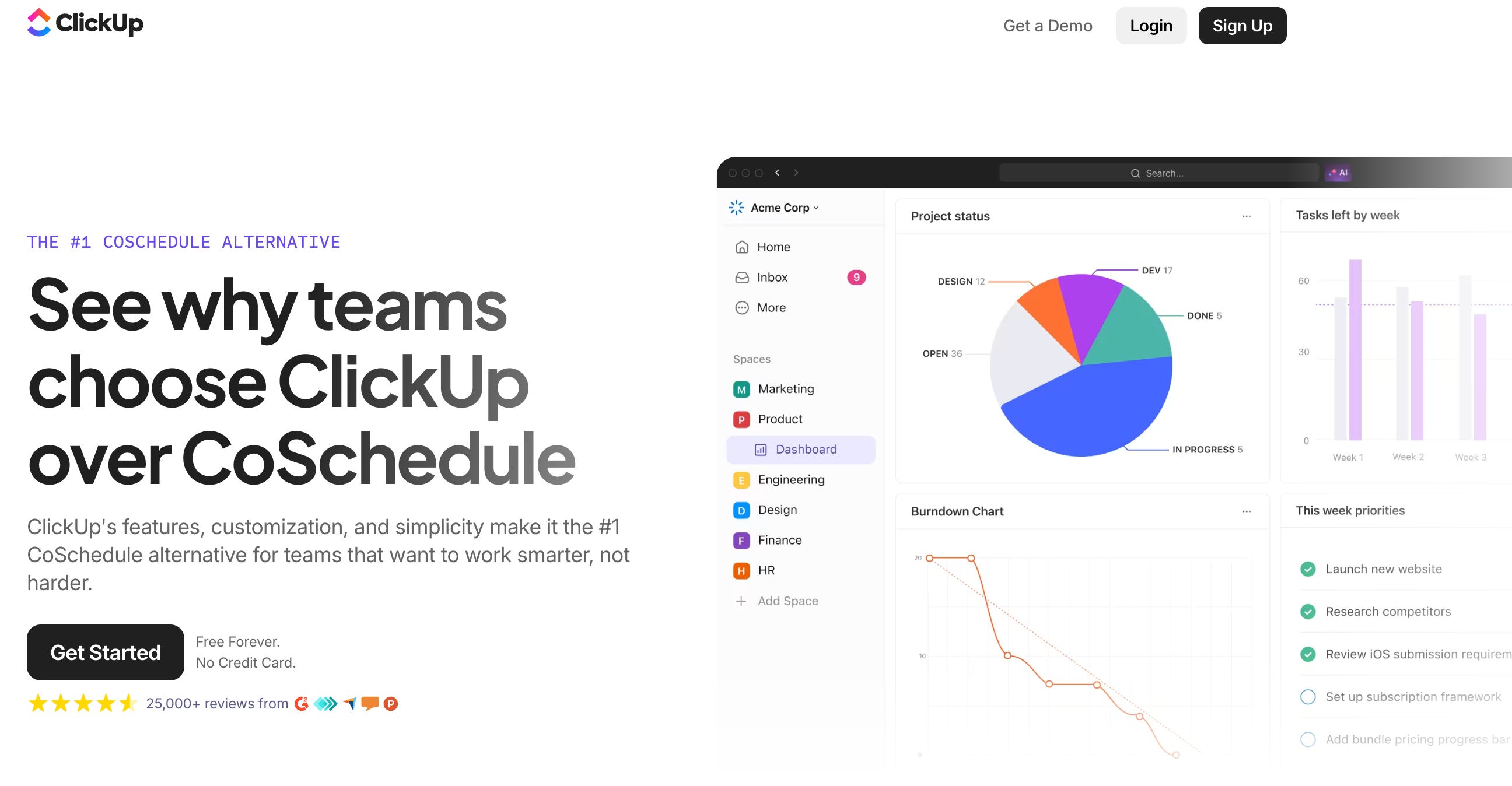
ClickUp’s Free Forever plan handles tasks, docs, and client work views for a small team. Google Drive gives you 15GB and the entire Docs/Sheets/Slides suite.
We use the full Google Workspace suite, so that includes Google Meet, Drive etc, for $14/user/month. Definitely worth it versus stacking up more free tools.
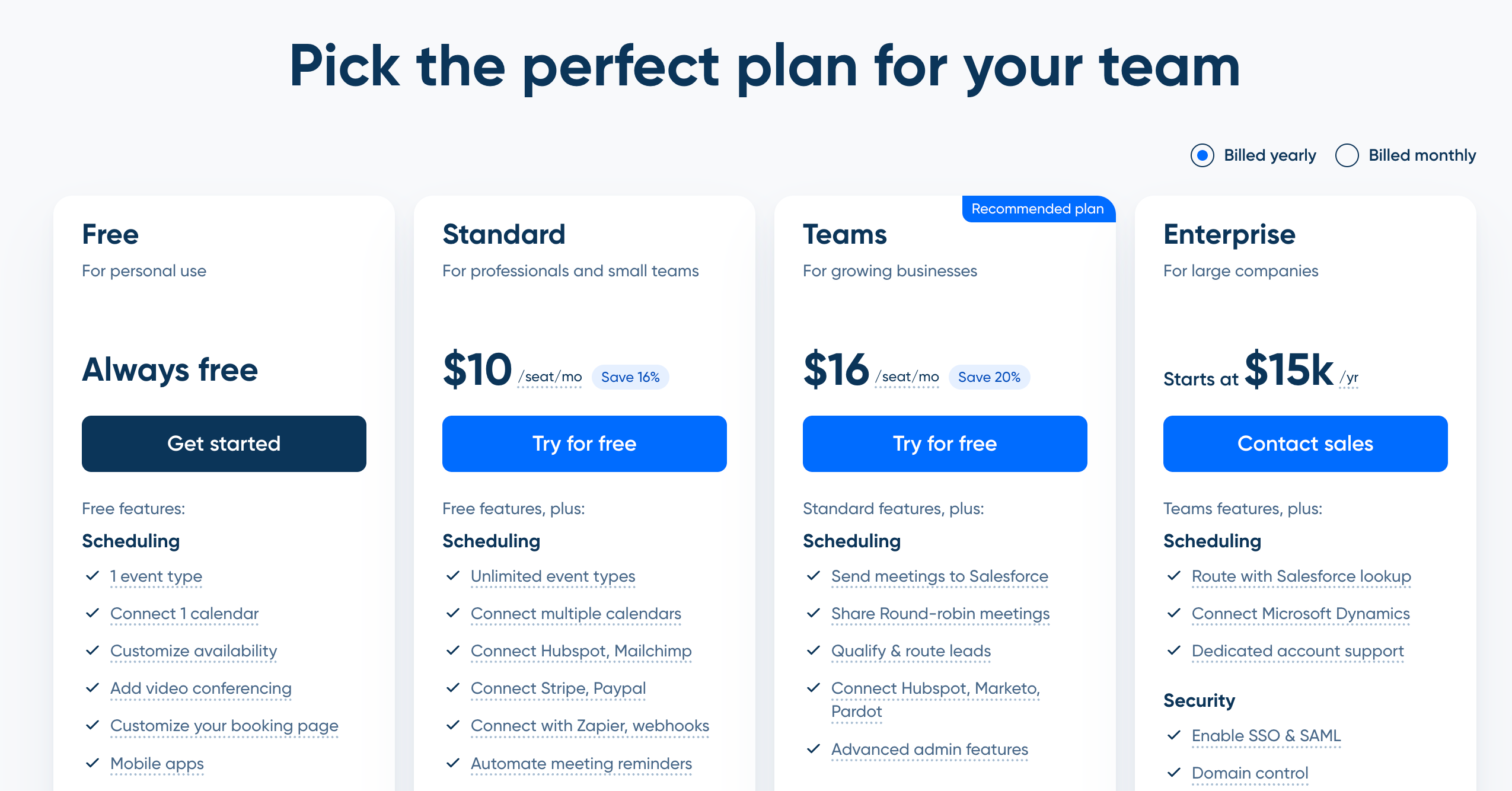
For scheduling calls, Calendly’s free tier books your sales calls with one event type, which is all a “book a discovery call” button needs. Once you get big enough you can move meetings to Hubspot and have them completely integrated into contact and deal data.
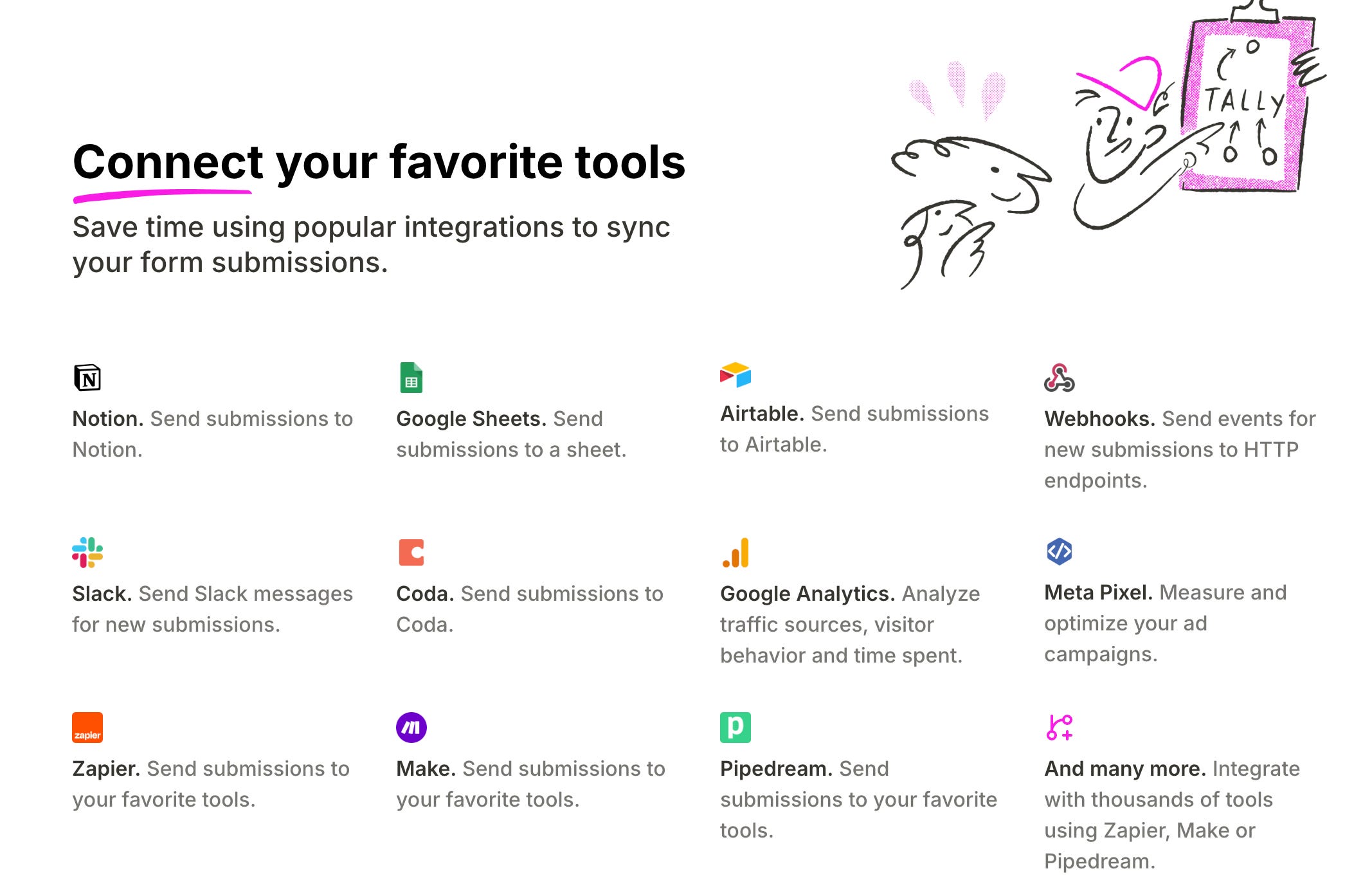
Tally is the form builder Typeform should be afraid of: unlimited forms, unlimited responses, logic jumps, even Stripe payments, all free. Eventually I would recommend integrating Gravity Forms into your agency site, but a Tally embed can work perfectly without that.
AI: the free tiers of ChatGPT, Claude, and Gemini, plus NotebookLM
The free tiers of the big three assistants cover drafting, research, briefs, and meeting prep. NotebookLM (free) turns client documents into something you can interrogate before a call.
This category is moving fast, and it is the one place where this rodent will tell you to upgrade earliest, because an AI subscription is the only line item on this list that replaces virtual assistant labor instead of replacing another tool.
The full breakdown of agent workflows that run delivery work while you sleep is here:

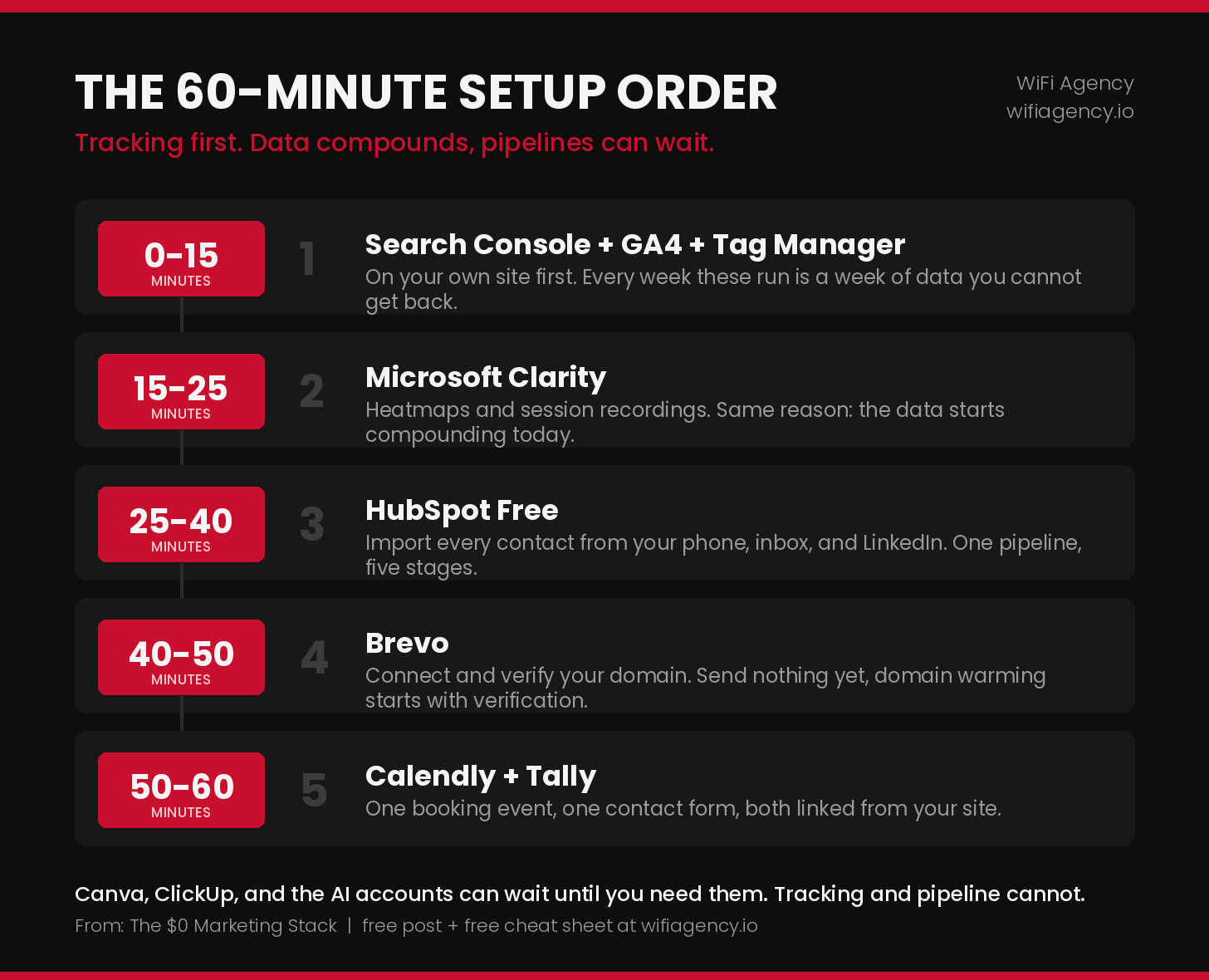
3. The 60-minute setup order
Do it in this order, because data compounds and pipelines do not:
4. When a free tool starts costing you money
The point of the $0 stack is not to stay on it forever. The point is to upgrade for reasons that show up in revenue, not in feature envy. The upgrade rule at my agency:
A tool earns an upgrade when its limit blocks billable work or measurable growth. Annoyance is not a limit. Blocked revenue is.
Real examples of the line being crossed:
Brevo’s 300/day cap blocks a client campaign that bills $500: upgrade, obviously.
HubSpot’s 1,000-contact cap fills up with real prospects: upgrade, your pipeline is literally full.
Canva Pro’s brand kit saves you 2 hours per week at ten design clients: upgrade, the math is $13 against roughly $200 of your time.
You “want” the paid social scheduler because the dashboard looks nicer: NGMI. That is feature envy, not blocked revenue.
Pricing your services correctly makes all of these upgrades trivial, which is its own article:

5. The $0 Agency Toolkit Cheat Sheet
To save you the bookmarking, there is a one-page cheat sheet below with every tool in this post: category, what the free tier includes, the limit to watch, and the paid tool it replaces, with the monthly savings tallied at the bottom. Print it, share it, send it to the anon in your group chat who keeps saying they will start an agency “once they save up for the tools.”

The part where I tell you what the free tools cannot do
The $0 stack runs the machine. It does not tell you what to feed it. Outreach scripts, pitch decks, pricing calculators, SOPs for every service in this post, contract templates, audit checklists: that is the part you either spend two years figuring out or grab ready-made.
Paid subscribers get access to all the SOPs in the article archive, and the full Agency in a Box vault is unlocked for Agency in a Box members: 129 templates, SOPs, decks, and spreadsheets, every download from every article, in one download, for one annual price. Many of these SOPs alone would cost you more from a consultant than the subscription does.
Go paid and get the whole arsenal:
Agency in a box tier: The full Agency in a Box vault: 129 templates, SOPs, pitch decks, contracts, and spreadsheets, one annual price
Every download from every article, including the SOPs that run this exact stack: setup SOPs, and much more.
New articles with a new download every other week
Next week we are covering white-label services: the partners that let you sell SEO, PPC, design, and dev without hiring anyone, and how to mark them up 100%+ without the client ever feeling shortchanged.
See you in the Jungle, anon!